
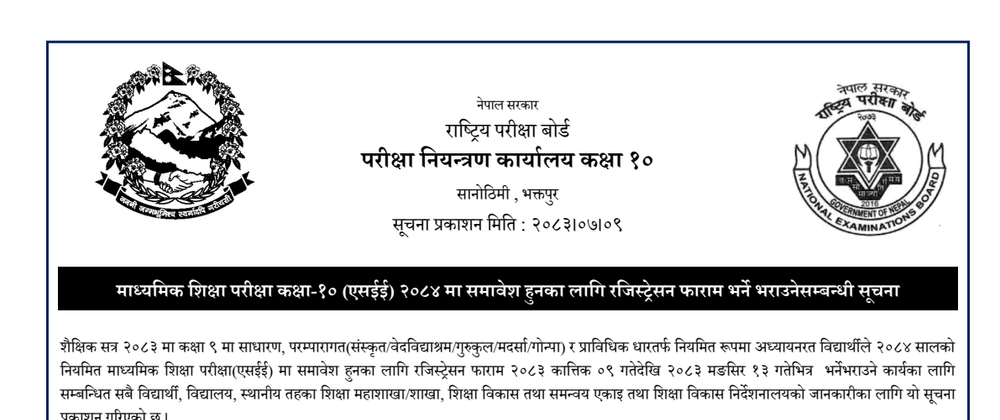


The National Examinations Board (NEB), Office of the Controller of Examinations (Class 10), Sanothimi, Bhaktapur has published the official notice regarding registration form submission for the regular Secondary Education Examination (SEE) of 2084. Issued on 2083-07-09 (Kartik 9, 2083), this notice applies to all students currently studying in Class 9 during the academic session 2083 across general, traditional (Sanskrit, Vedvidyashram, Gurukul, Madrasa, and Gonpa), and technical streams.
Eligible Class 9 students must complete and submit their registration forms through their respective schools between 2083-07-09 (Kartik 9, 2083) and 2083-08-13 (Mangsir 13, 2083) to appear in the 2084 regular SEE examinations.
Important Dates and Schedule
| Activity / Milestone | Deadline (BS) | Details |
|---|---|---|
| Notice Publication Date | 2083-07-09 (Kartik 9, 2083) | Official circular issued by NEB Class 10 OCE |
| Registration Form Filling Period | 2083-07-09 to 2083-08-13 (Kartik 9 to Mangsir 13, 2083) | Submission of forms by Class 9 students at schools |
| Revenue Fee Deposit Deadline | 2083-08-18 (Mangsir 18, 2083) | Final date for schools to deposit student fees into revenue account |
| EDCU Submission to NEB | 2083-08-30 (End of Mangsir 2083) | EDCUs must submit student counts and revenue details to NEB OCE |
Registration Fee and Revenue Account
- Registration Fee: Rs. 300 per student.
- Revenue Heading Number: 14223.
- Payment Deadline: Schools must collect Rs. 300 from each student and deposit the entire collected amount into Government Revenue Heading No. 14223 by 2083-08-18 (Mangsir 18, 2083).
- Late submission fee terms: not specified in the notice.
Required Documents
Schools and students must prepare and submit the following documents along with the registration form:
- Printed Registration Form from the IEMIS portal.
- Certified photocopy of the student's official Birth Registration Certificate (जन्मदर्ता प्रमाणपत्र).
- Certified photocopy of the Class 8 Grade Sheet (कक्षा ८ को ग्रेडसिट), authenticated by the school Headmaster or Principal.
- Recent passport-sized photograph of the student taken in formal school uniform.
Step-by-Step Procedures for Schools
Schools must strictly execute the following registration steps:
- Log in to the school Integrated Educational Management Information System (IEMIS) portal, navigate to the Manage Exam menu, and select Registration Form.
- Select academic year 2083 and class 9, then click Load to retrieve student records.
- Print the Office Copy Registration Form and ensure students and parents/guardians verify and sign all personal details—including full name, surname, and date of birth exactly matching the birth registration certificate.
- If any correction is required in the registration data, schools must coordinate immediately with their local level education section or division (स्थानीय तह शिक्षा शाखा/महाशाखा) to rectify details in IEMIS.
- Print the aggregate form (समष्टिगत फाराम) and verify alphabetical order in English. Arrange documents in exact sequence: Aggregate form on top, followed sequentially by each student's registration form, birth certificate copy, and Class 8 grade sheet certified by the Principal, and submit the compiled file to the Education Development and Coordination Unit (EDCU).
- Collect the mandatory fee of Rs. 300 per student and deposit it into Revenue Heading No. 14223 by 2083-08-18, submitting the deposit voucher to the respective EDCU.
Procedures for Education Development and Coordination Units (EDCU)
Each Education Development and Coordination Unit must carry out the following duties:
- Scrutinize and verify all aggregate forms and individual student registration forms submitted by schools.
- Generate official Registration Numbers on the aggregate forms in coordination with the National Examinations Board, Office of the Controller of Examinations (Class 10).
- Once Registration Numbers are established, log into IEMIS, print aggregate forms, and provide them to schools. Schools print the student copies, attach passport-sized photographs in school uniform, and submit them with principal certification. The EDCU Chief verifies, signs, and stamps student copy registration forms and delivers certified aggregate forms back to schools.
- Manually record the confirmed Registration Numbers on both the Office Copy Registration Form and Student Copy Registration Form.
- Verify fee deposits of Rs. 300 per student deposited into Revenue Heading No. 14223 by 2083-08-18, reconcile total student numbers with collected revenue, and submit the complete roster and revenue statement to the NEB Office of the Controller of Examinations by the end of Mangsir 2083 (2083-08-30).
Special Provisions for Foreign and Open School Students
- Foreign Students: Foreign nationality students enrolled and studying in Class 10 in Nepalese schools after fulfilling visa and documentation criteria from the Ministry of Education and Sports must be registered by selecting year 2083 and class 10 on IEMIS.
- Open and Informal Education: Students studying in Class 10 under informal and open educational programs (अनौपचारिक तथा खुला शैक्षिक कार्यक्रम) during academic session 2083 must also be registered by selecting year 2083 and class 10 in IEMIS.
- All remaining verification and submission procedures remain identical to the standard process.
Issued by the Controller of Examinations, National Examinations Board, Office of the Controller of Examinations (Class 10), Sanothimi, Bhaktapur.
Official Downloads
📷 Official Notice Document Snapshot
📄 Document Document
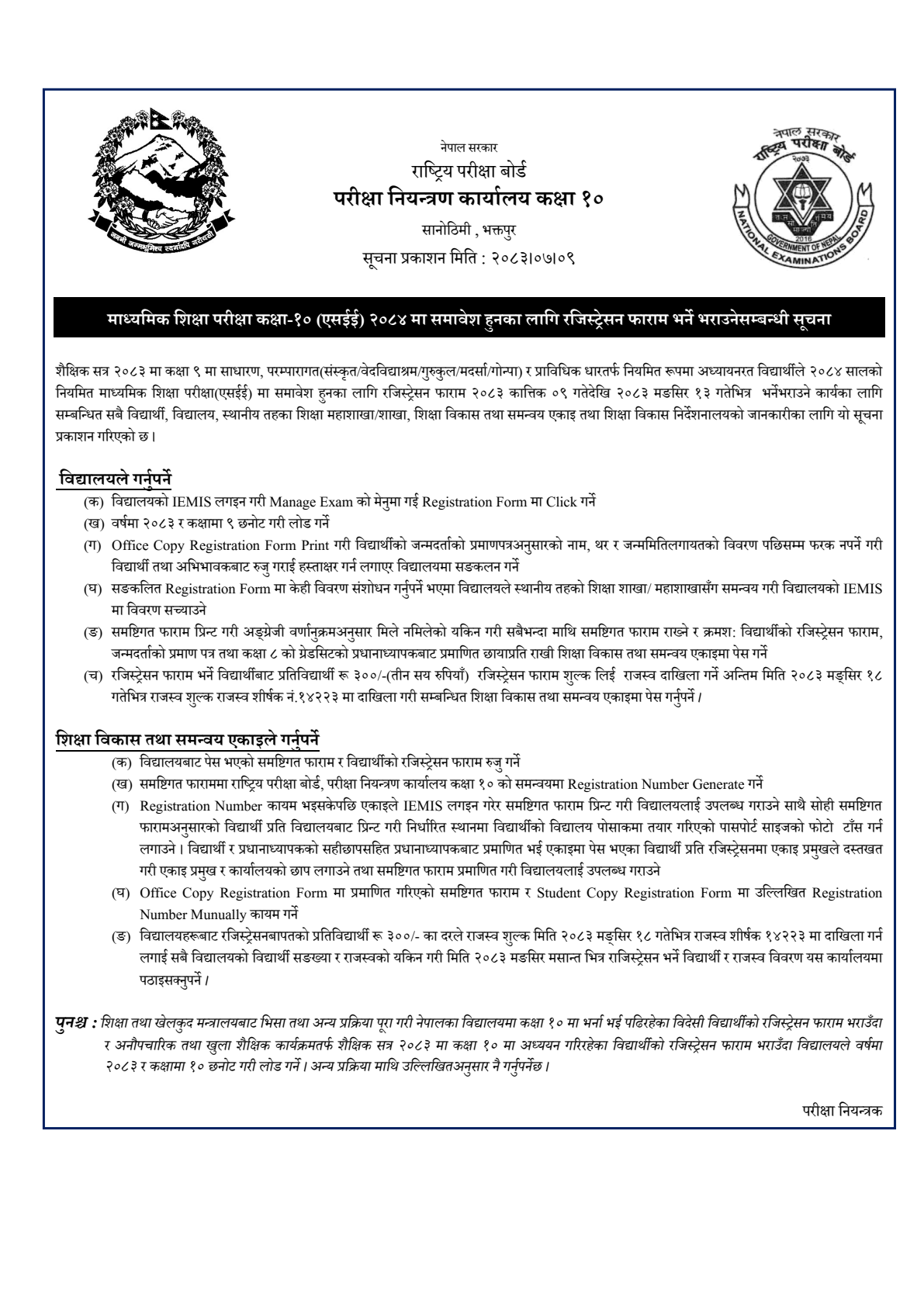
📄 Click to View Full Resolution Document
NEB Issues Class 10 SEE 2084 Registration Form Notice for Class 9 Students — official notice issued by National Examination Board (NEB). Verified by Tyrocity.



Top comments (0)